
Were you behind it?
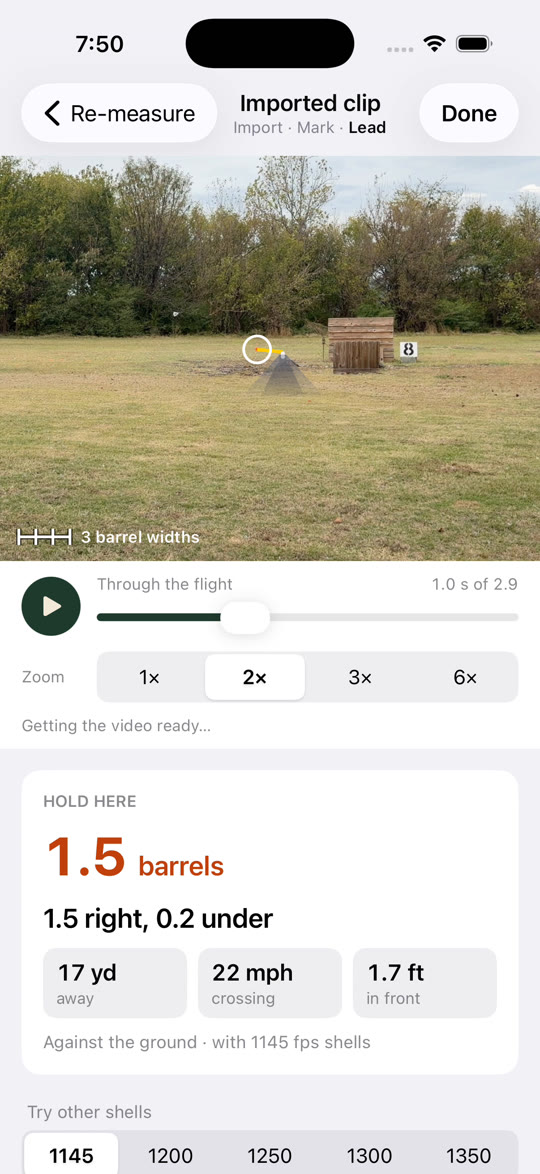
We've all done it: swung on a long crosser, slapped the trigger, and watched it sail off without a chip. Behind it? Over it? Stopped the gun? See the Lead takes the guessing out. Film the target with your iPhone, show it the target, and it'll show you the sight picture for the whole flight: how much daylight to give it in barrel widths, what your beads should look like, and how fast and how far out the target is.
It works on sporting clays, skeet, trap and 5-stand. Use it to figure out a nasty presentation before you step in the cage, to see why a target keeps beating you, or to show a new shooter what "more lead" actually means.
How it works
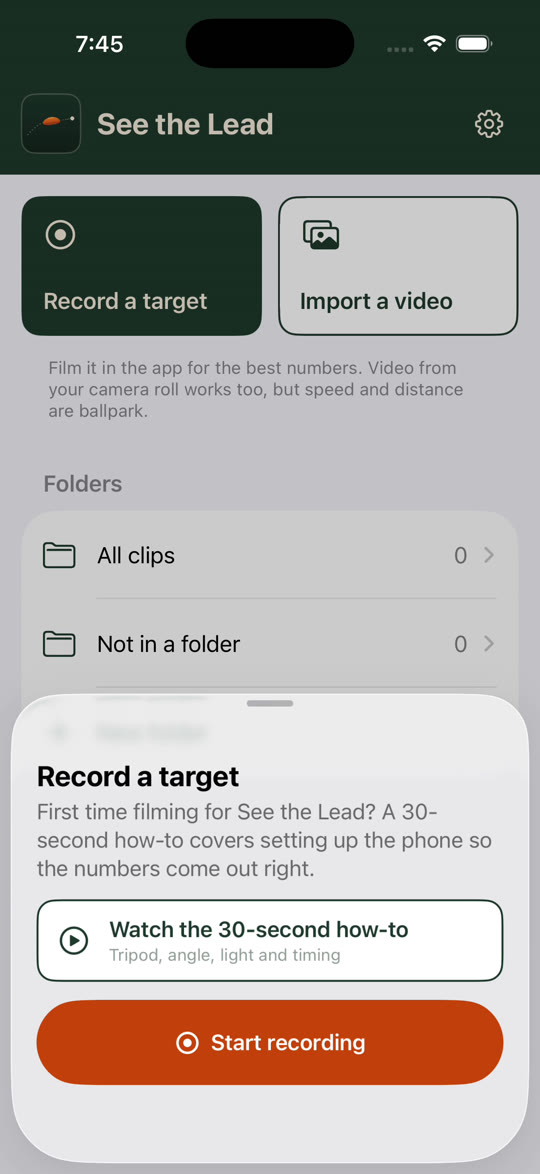
- Set up. Phone on its side, on a tripod or clamped to the stand. The app gets the camera ready and gives you the green light.
- Call for the target and film it, or bring in a video you already shot.
- Show it the target. Find it as it comes off the arm, draw a box around it, and swipe the way it's going.
- Check your lead. Slide through the flight with the sight picture on every frame. Send it to your buddies or your coach.
What it can handle
- Little specks way out there against the trees.
- Rabbit targets that hop, and targets that duck behind a bale and pop back out.
- A little wobble when you're holding the phone.
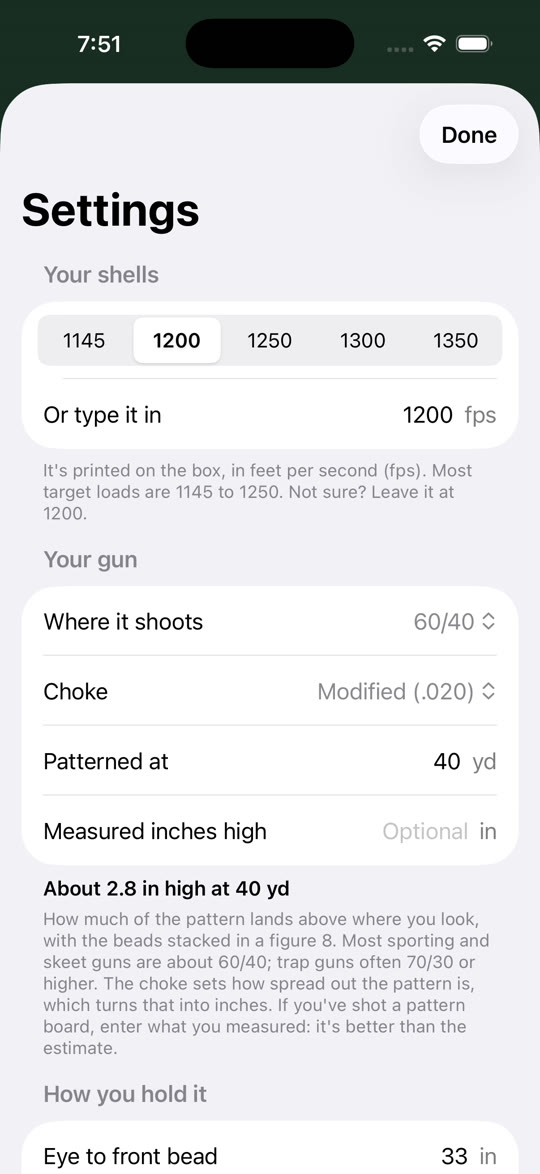
- Your setup: how fast your shells are, where your gun prints, and your beads. The picture's built for your gun.
You'll get the best numbers filming in the app with the phone held still. Video from the regular camera works too: you'll still see the picture, but speed and distance are ballpark.
Getting a good clip
- Put the phone on a tripod, or clamp it to the stand or a fence post. Hand-held works, but steady is better.
- Turn it sideways and keep it level. For a teal, hold it upright so the top of the climb stays in the picture. The recording screen checks both for you.
- Fit the whole flight in the picture, from where it leaves the house to where you'd break it.
- Don't follow the target with the phone. Hold still and let it fly through the picture.
- Film in good daylight, with the sun behind or beside you, never into it.
- Start recording before you call for the target, and stop after it's gone.
What's new
- Easier to show it the target. Find it, box it, swipe which way it's going. You can jump back to any step.
- Creep through the clip. Hold the arrows to go frame by frame. No more crashes when you scrub fast.
- Doesn't mind shaky hands. Holding the phone a little loose won't throw it off anymore.
- Better out of the trees. Picks the target out against leaves a lot better than before.
- Right to the edge. The lead stays right on long crossers all the way to the edge of the picture.
- Won't chase leaves. Blowing leaves won't fool it when it's looking for the target.
- New icon.